Add internal links to orphan pages
Detects pages with no internal links pointing to them
- Orphan pages have no internal links pointing to them from other site pages
- Googlebot may never discover or regularly recrawl pages with no internal links
- Add at least one contextually relevant internal link to every important page
- The sitemap alone is not sufficient — internal links are required for PageRank flow
Rule Details
An orphan page is a page that exists on your site but receives no internal links from other pages. Google's crawlable-links guidance (opens in new tab) explains why discovery through real links matters, and the same repair work usually overlaps with internal-links.
Code Example
Homepage → Category → Product A     ✅ Not an orphan
Homepage → Category → Product B     ✅ Not an orphan
                       Product C     ❌ Orphan — nothing links to it
Appearing in the XML sitemap does NOT make a page discoverable for PageRank purposes — only crawlable links do.
Why It Matters
Orphan pages receive no PageRank from internal links and are rarely recrawled by Googlebot, which limits their ability to rank even when their content is excellent. A sitemap can expose the URL, but it cannot replace the authority and crawl cues passed by real internal links.
Detection Methods
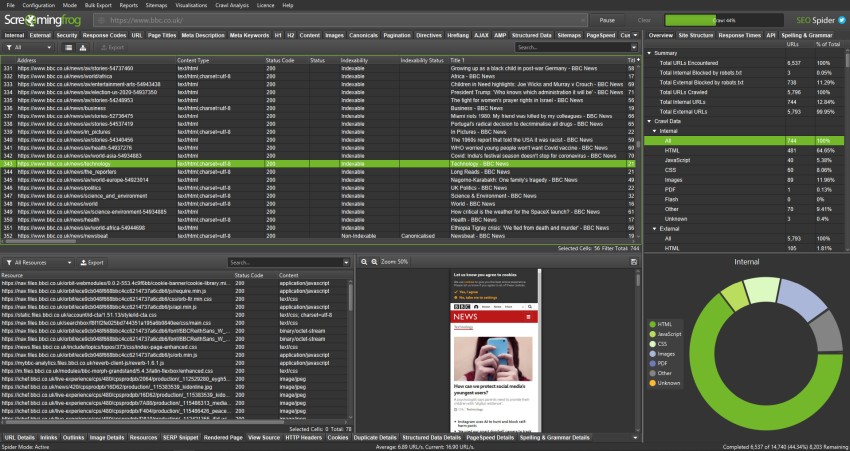
Method 1: Screaming Frog (opens in new tab)
- Crawl the site (Spider mode)
- Go to Reports → Orphan Pages
- Screaming Frog compares crawled pages against sitemap to identify orphans
Method 2: Log file analysis Compare your server access logs (Googlebot hits) against your sitemap — pages crawled rarely or never are likely orphaned.
Method 3: Google Search Console (opens in new tab) Pages in "Coverage" → "Excluded" with reason "Discovered – currently not indexed" are often orphans.
Fixing Orphan Pages
Add contextual links in body content
<!-- ✅ On a related article: add a relevant inline link -->
<p>
  When choosing a Dutch oven, consider the volume you need.
  See our <a href="/products/dutch-oven-buying-guide">Dutch oven buying guide</a>
  for a full comparison.
</p>
Add related content sections
<!-- ✅ Related articles widget linking to orphan -->
<section aria-label="Related articles">
  <h2>Related Articles</h2>
  <ul>
    <li><a href="/blog/sourdough-starter-troubleshooting">Sourdough Starter Troubleshooting Guide</a></li>
  </ul>
</section>
Update navigation or category pages
<!-- ✅ Add orphan page to its category listing -->
<ul class="category-list">
  <li><a href="/blog/previously-orphaned-post">Article Title</a></li>
</ul>
Priority Triage
Not all orphan pages need fixing:
- Fix: Important content pages, product pages, core blog posts
- Ignore or delete: Thank-you pages, one-time campaign pages, admin utilities
- Noindex: Pages intentionally hidden (login redirects, internal tools)
Prevention
Build internal linking into your content workflow:
- When publishing new content, identify 3 existing pages it relates to
- Add links from those pages to the new content
- Include the new page in its category or archive listing
Exceptions
- Staging, utility, login, account, or internal search pages may intentionally use different crawl or index signals if they are not meant to rank.
- Temporary migration states can produce noisy intermediate signals; flag the live production URL pattern, not one-off transition artifacts.
- When redirects, canonicals, robots directives, or indexability signals conflict, fix the strongest final signal first instead of reporting every downstream symptom as a separate blocker.
Standards
- Use these references as the standard for the final search-facing HTML, metadata, and crawl behavior.
- Check the implementation against Google Search Central: Links — internal and external before treating the rule as satisfied.
- Check the implementation against Google Search Central: How Googlebot crawls before treating the rule as satisfied.
Verification
Automated Checks
- Inspect rendered HTML and HTTP headers to confirm the expected metadata or crawlability signal is present.
- Test the affected URL with Google Search Console or equivalent tooling where relevant.
- Re-crawl a representative page set after deployment.
Manual Checks
- Confirm the change does not create conflicting canonical-url, robots, or structured-data signals.
Use with AI
Copy these prompts to use with your AI assistant, or install the MCP server to use directly from Claude, Cursor, or Windsurf.
Check
Verify implementation
Using a site crawl (Screaming Frog or similar), identify pages that appear in the sitemap or have been indexed but receive zero inbound internal links. List the URL, page title, and any existing content that could logically link to the orphan page.
Fix
Auto-fix issues
For each orphan page, identify 2–5 relevant existing pages that should link to it. Add contextual <a href='...'>anchor text</a> links in body content, related articles sections, or navigation. Ensure anchor text is descriptive and matches the target page's primary keyword.
Explain
Learn more
Search engines discover pages primarily by following links. A page with no internal links may be found via the sitemap but receives no PageRank from the site's link graph. Without PageRank, the page has limited ranking potential even if the content is excellent. Regular crawling also depends on internal links — orphan pages are recrawled less frequently.
Review
Code review
Crawl the site and build an inbound link count for each URL. Cross-reference against the sitemap and indexed pages. Identify URLs with zero inbound internal links. For each orphan, report: URL, page title, word count, and potential linking pages (pages with semantically related content). Exclude intentional no-link pages (thank-you pages, admin pages).