- rel=nofollow on internal links blocks PageRank flow to your own pages
- Internal nofollow was once used for 'PageRank sculpting' but is no longer effective
- Use nofollow only on outbound links to untrusted or sponsored content
- If you don't want a page crawled or indexed, use noindex on the target page instead
Rule Details
rel="nofollow" was introduced to tell search engines not to follow a link or pass PageRank through it. Google's rel-attribute guidance (opens in new tab) applies to outbound trust decisions, not your own architecture, so internal nofollow weakens the same flow covered in internal-links.
Code Example
<!-- ❌ Bad: Internal link with nofollow — blocks PageRank flow -->
<a href="/products/shoes" rel="nofollow">View Shoes</a>

<!-- ✅ Good: Internal link without nofollow -->
<a href="/products/shoes">View Shoes</a>

<!-- ✅ OK: nofollow on an external, untrusted link -->
<a href="https://untrusted-source.com/article" rel="nofollow">Source</a>
Why It Matters
Adding rel="nofollow" to internal links prevents PageRank from flowing to those pages while providing no benefit over simply omitting the attribute. Google’s 2019 note on evolving nofollow (opens in new tab) is the clearest modern explanation for why PageRank sculpting is no longer a valid rationale.
What nofollow Actually Does
When Googlebot encounters rel="nofollow" on an internal link, it may still crawl the target URL (Google now treats nofollow as a "hint" since 2019), but PageRank does not flow through the link. The result:
- The target page receives less internal link authority
- Its ability to rank for competitive queries is diminished
- The blocked PageRank is not redistributed elsewhere
Correct Alternatives
| Goal | Wrong approach | Correct approach |
|---|---|---|
| Don't index the target page | rel="nofollow" on links TO it | <meta name="robots" content="noindex"> ON the target page |
| Don't crawl the target | rel="nofollow" on links TO it | Disallow: /path/ in robots.txt |
| Mark sponsored links | — | rel="sponsored" on those links |
| Mark user-generated links | — | rel="ugc" on those links |
When nofollow on Internal Links Is Legitimate
There are very few cases. One edge case: a large user-generated content site may add rel="nofollow ugc" to links in user profile bios pointing to other pages within the same site, if those profiles are untrusted. Even then, rel="nofollow" alone still passes no PageRank.
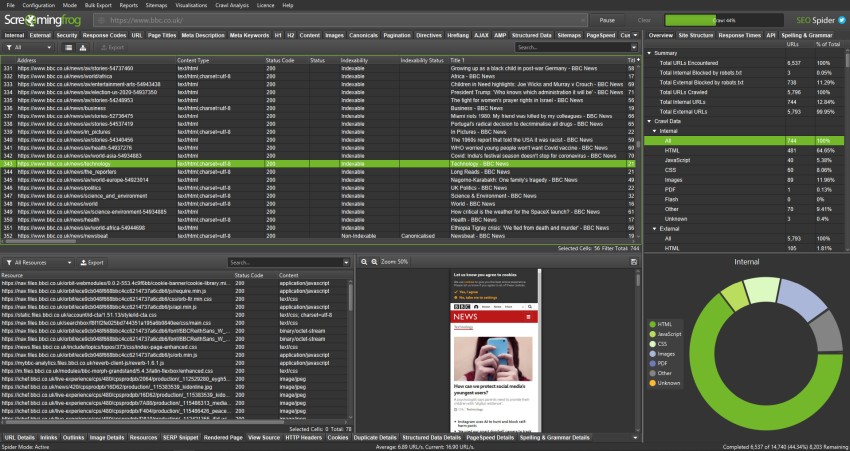
Audit Command (Screaming Frog (opens in new tab))
- Crawl → Links → Filter by
Link Type: Internal - Filter
Follow: No(nofollow internal links) - Export and review each case
Automated Audit
// Example: find internal nofollow links in parsed HTML
const links = document.querySelectorAll('a[href]')
const domain = 'example.com'

const internalNofollow = Array.from(links).filter(a => {
  const isInternal = a.href.includes(domain) || a.href.startsWith('/')
  const hasNofollow = a.rel.split(' ').includes('nofollow')
  return isInternal && hasNofollow
})
Exceptions
- Staging, utility, login, account, or internal search pages may intentionally use different crawl or index signals if they are not meant to rank.
- Temporary migration states can produce noisy intermediate signals; flag the live production URL pattern, not one-off transition artifacts.
- When redirects, canonicals, robots directives, or indexability signals conflict, fix the strongest final signal first instead of reporting every downstream symptom as a separate blocker.
Standards
- Use these references as the standard for the final search-facing HTML, metadata, and crawl behavior.
- Check the implementation against Google Search Central: Qualify your outbound links with rel before treating the rule as satisfied.
- Check the implementation against Google Blog: Official nofollow link attribute announcement before treating the rule as satisfied.
Verification
Automated Checks
- Inspect rendered HTML and HTTP headers to confirm the expected metadata or crawlability signal is present.
- Test the affected URL with Google Search Console or equivalent tooling where relevant.
- Re-crawl a representative page set after deployment.
Manual Checks
- Confirm the change does not create conflicting canonical-url, robots, or structured-data signals.
Use with AI
Copy these prompts to use with your AI assistant, or install the MCP server to use directly from Claude, Cursor, or Windsurf.
Check
Verify implementation
Scan all internal links (<a href> tags pointing to the same domain) for the presence of rel='nofollow' or rel containing 'nofollow'. List each instance with its source page, anchor text, and target URL.
Fix
Auto-fix issues
Remove rel='nofollow' from internal links. If the goal was to prevent indexing of the target page, add <meta name='robots' content='noindex'> to the target page instead. If the goal was to prevent crawling, use robots.txt Disallow for that path.
Explain
Learn more
The rel=nofollow attribute was originally designed for untrusted external links. When applied to internal links, it blocks PageRank from flowing to your own pages without any benefit. Google has stated that PageRank sculpting via nofollow does not work—the PageRank that would have passed is simply lost, not redistributed.
Review
Code review
Query all <a href='...'> elements. For each link, check if rel contains 'nofollow'. Determine if the link is internal (same domain) or external. Flag every internal link with rel='nofollow'. Check if the flagged links are in navigation, header, footer, or body content. Look for rel='nofollow new-tab' patterns that may have been applied blanket to all links.